
LinkBox revolutionizes how you manage and access your digital content by providing a unified platform for organizing links, files, and notes. This powerful Android application is designed for professionals, students, and researchers who need to efficiently centralize their web resources and personal data. It eliminates the hassle of switching between different apps and browsers, saving valuable time and boosting productivity.
Centralized Digital Library
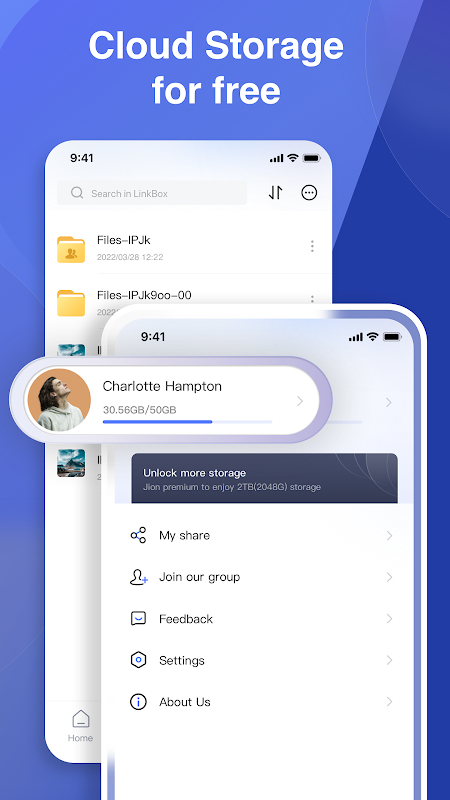
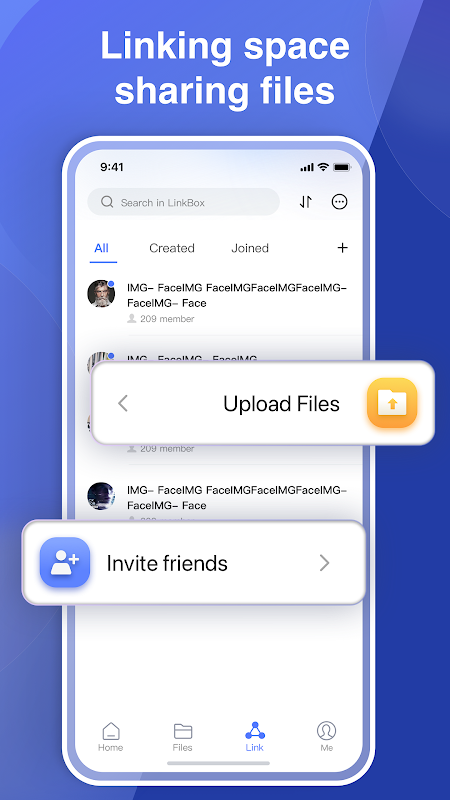
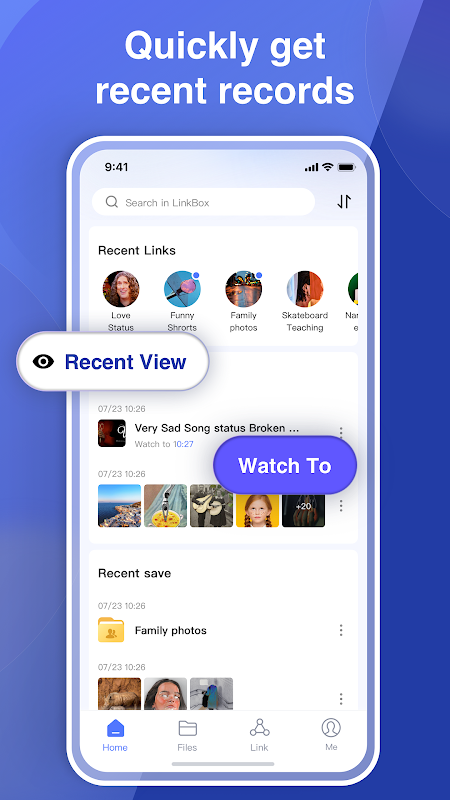
LinkBox acts as your personal digital library, allowing you to save web links, documents, images, and text notes in one secure location. The app automatically fetches relevant metadata like titles and descriptions when you add a new link, creating a rich, searchable database of your content. This organization system ensures you can instantly retrieve any saved item without remembering where you originally found it.
Advanced Search and Filtering
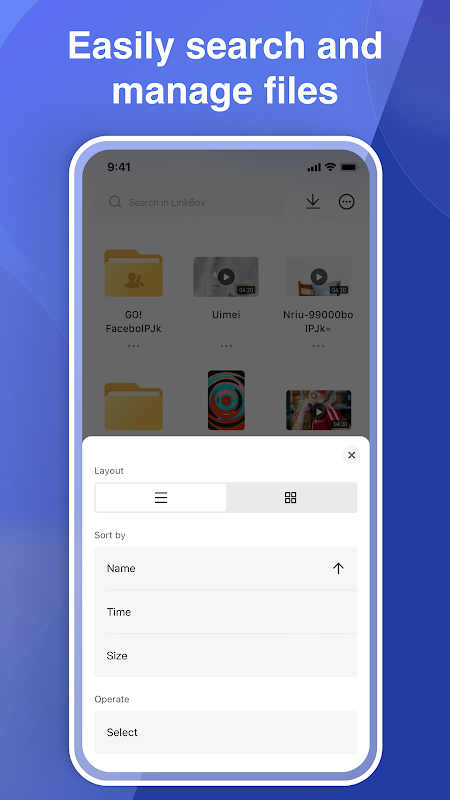
Finding your saved content is effortless with the app’s robust search functionality. You can perform keyword searches across all your saved items, including the full text of saved web pages and document contents. The filtering system lets you narrow down results by content type, tags, or date added, making it perfect for locating specific research materials or revisiting important project resources.
Cross-Platform Synchronization
Your digital library stays current across all your devices through seamless cloud synchronization. Any changes made on your Android device automatically appear on your other linked devices, ensuring you have access to your latest research and resources whether you’re working from your phone, tablet, or computer. This continuous sync eliminates version conflicts and data loss concerns.
Smart Organization with Tags
The app employs an intelligent tagging system that lets you categorize your content with custom labels for effortless retrieval. You can assign multiple tags to each item, creating flexible organizational structures that adapt to your workflow. This system goes beyond traditional folders, enabling you to group related content across different projects and categories without duplication.
Offline Access to Content
LinkBox ensures your important resources remain accessible even without an internet connection by storing copies of web pages and documents locally on your device. This feature is particularly valuable for travelers, commuters, or anyone working in areas with unreliable connectivity. You can review your research materials and saved articles anytime, anywhere.
Privacy-First Data Storage
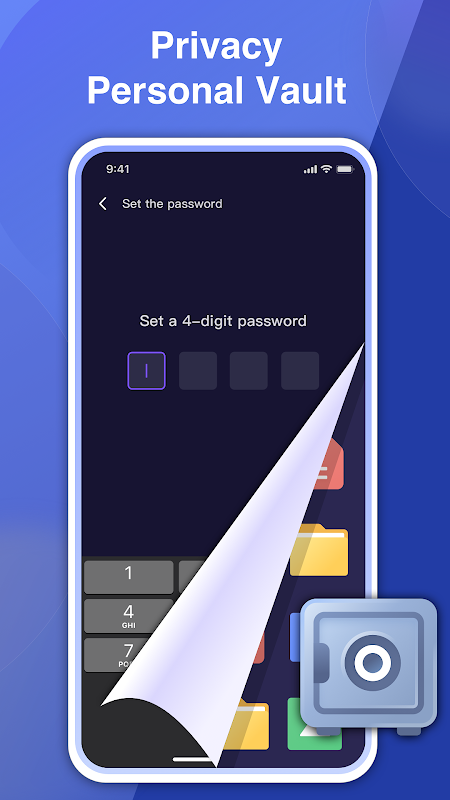
Your data privacy is prioritized with local storage options and encrypted synchronization. The app gives you control over what gets stored locally versus in the cloud, allowing you to keep sensitive information securely on your device. All synchronized data uses industry-standard encryption to protect your information during transmission and storage.
Frequently Asked Questions
LinkBox provides a more comprehensive solution by saving complete copies of web pages for offline access and allowing you to organize various content types beyond just links. Unlike basic bookmarks, it creates a searchable personal database with advanced categorization features.
Yes, the app offers cross-platform synchronization through cloud services, allowing you to access your organized content on multiple Android devices and through web browsers. Your library remains consistent across all platforms where you use the application.
The application supports saving web links, local files including PDFs and images, and text notes. It processes these items to make their content searchable within your personal library, creating a unified system for all your digital resources.